

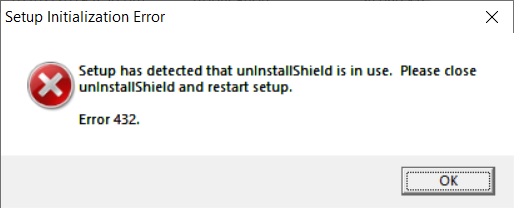
Recently I purchased a new laptop and had tried to install a lot of my legacy software. One of them suddenly popped out a message saying ”
Error 432. Setup has detected that unInstallShield is in use. Please close unInstallShield and restart setup. “
- You need to be logged in as the computer’s Administrator.
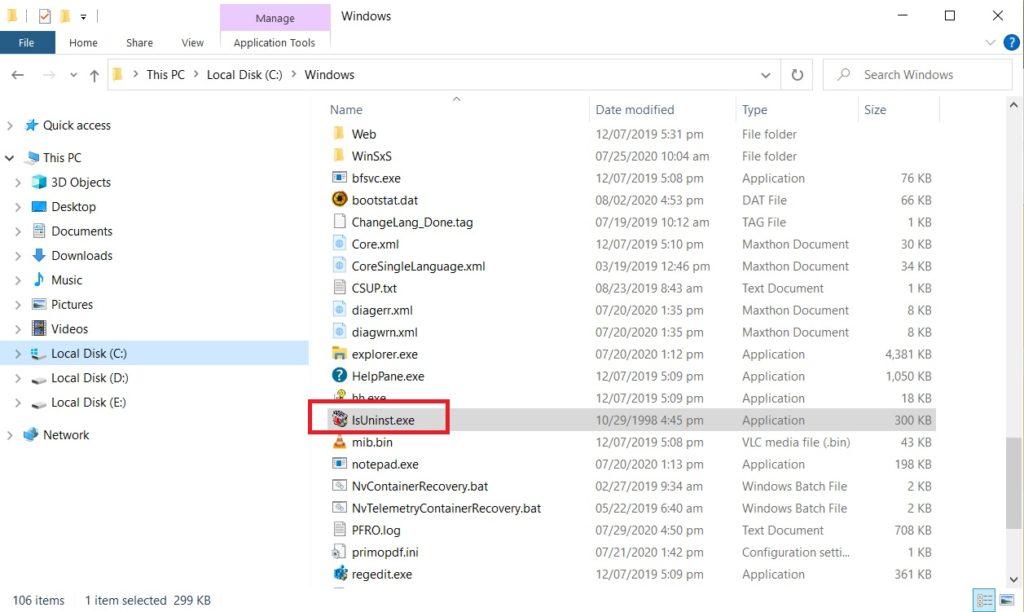
- Delete an instance of the file IsUninst.exe from the C:\Windows directory. If the file cannot be deleted, you need to reboot the machine and try again.
I have included a picture to show where the file is located
Hope this helps.
Coffee Cup