
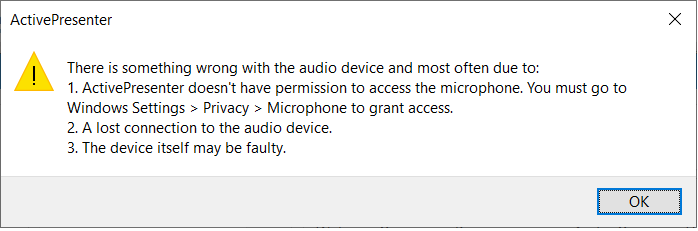
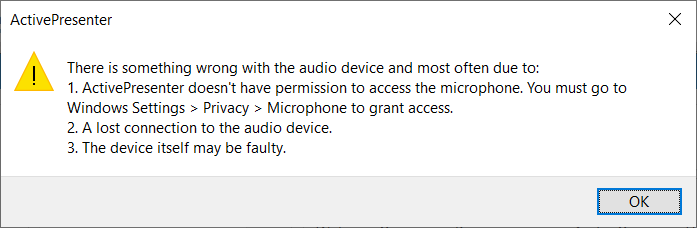
Acer Aspire 3 – Microphone not working

Hi guys, well, that’s not the whole story. Actually while using zoom I disabled the microphone by mistake.

So far after that day, I wasn’t able to use the microphone on my laptop.

Then at last I found a way to fix it. Actually another software that I was using gave me the idea on how.

Hope it helps

Coffee Cup
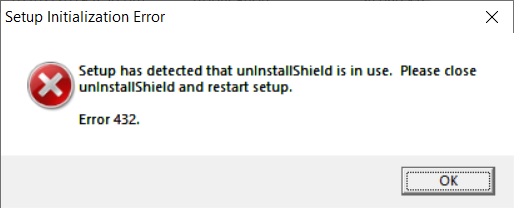
Error 432. Setup has detected that unInstallShield is in use. Please close unInstallShield and restart setup.

Recently I purchased a new laptop and had tried to install a lot of my legacy software. One of them suddenly popped out a message saying ”
Error 432. Setup has detected that unInstallShield is in use. Please close unInstallShield and restart setup. “

  1. You need to be logged in as the computer’s Administrator.
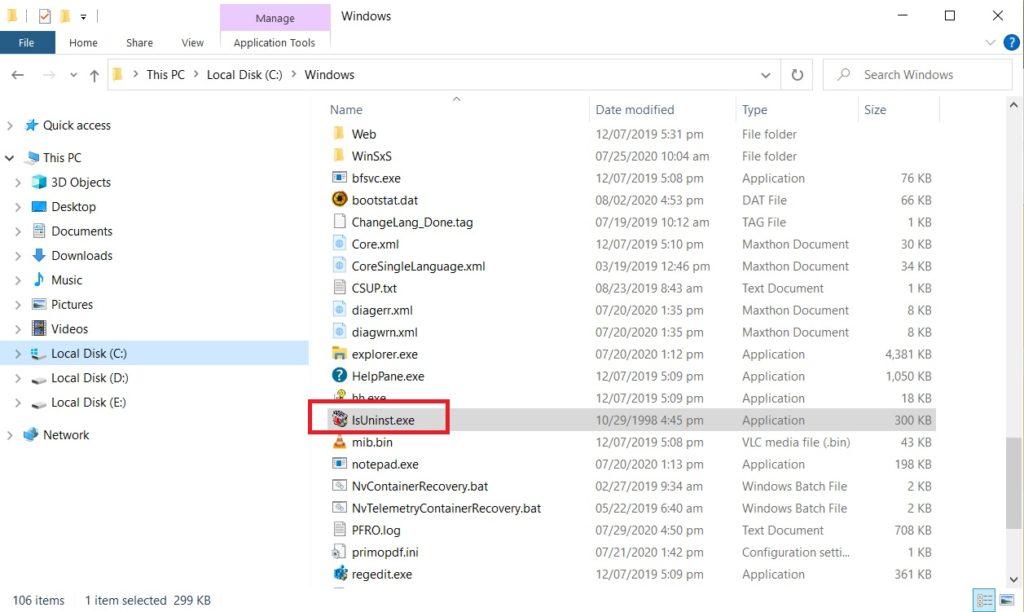
  2. Delete an instance of the file IsUninst.exe from the C:\Windows directory. If the file cannot be deleted, you need to reboot the machine and try again.

I have included a picture to show where the file is located

Hope this helps.

Coffee Cup